Installation und Konfiguration
The following steps describe everything required to assign app admins.
Requirements
- innovaphone PBX with App Platform at least version V13r2sr1
Installation
App Installation via the innovaphone myApps Store
The app is available in the innovaphone myApps Store.
If an update of the app is released, it can be installed in the same way. After the installation has completed successfully, instances of the app can be created.
Instance Configuration
Setting up an Instance
After the app has been installed, one or more instances can be configured.
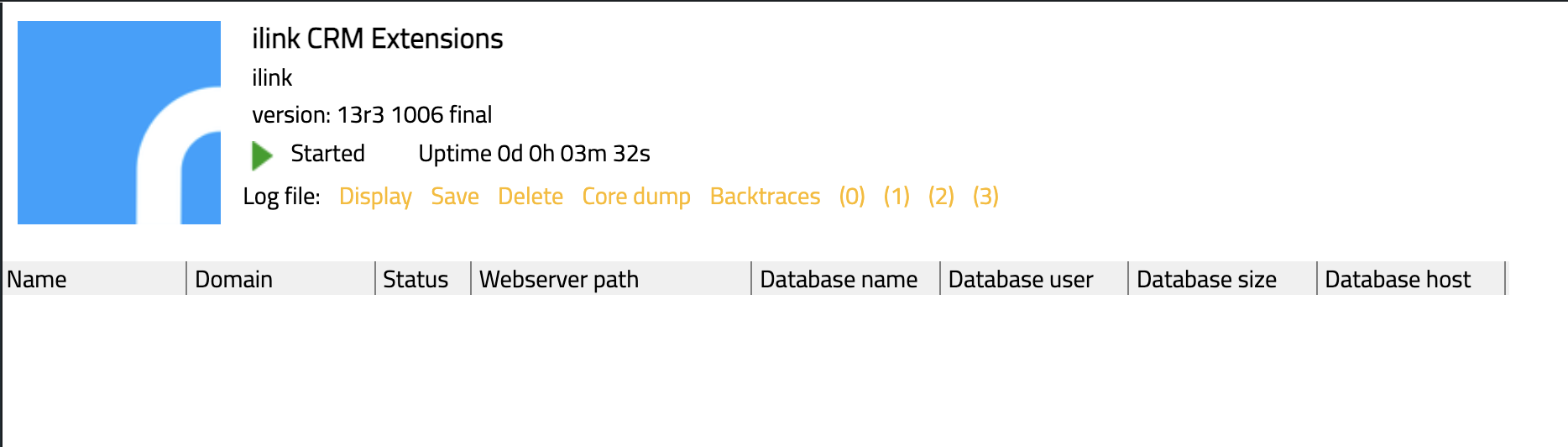
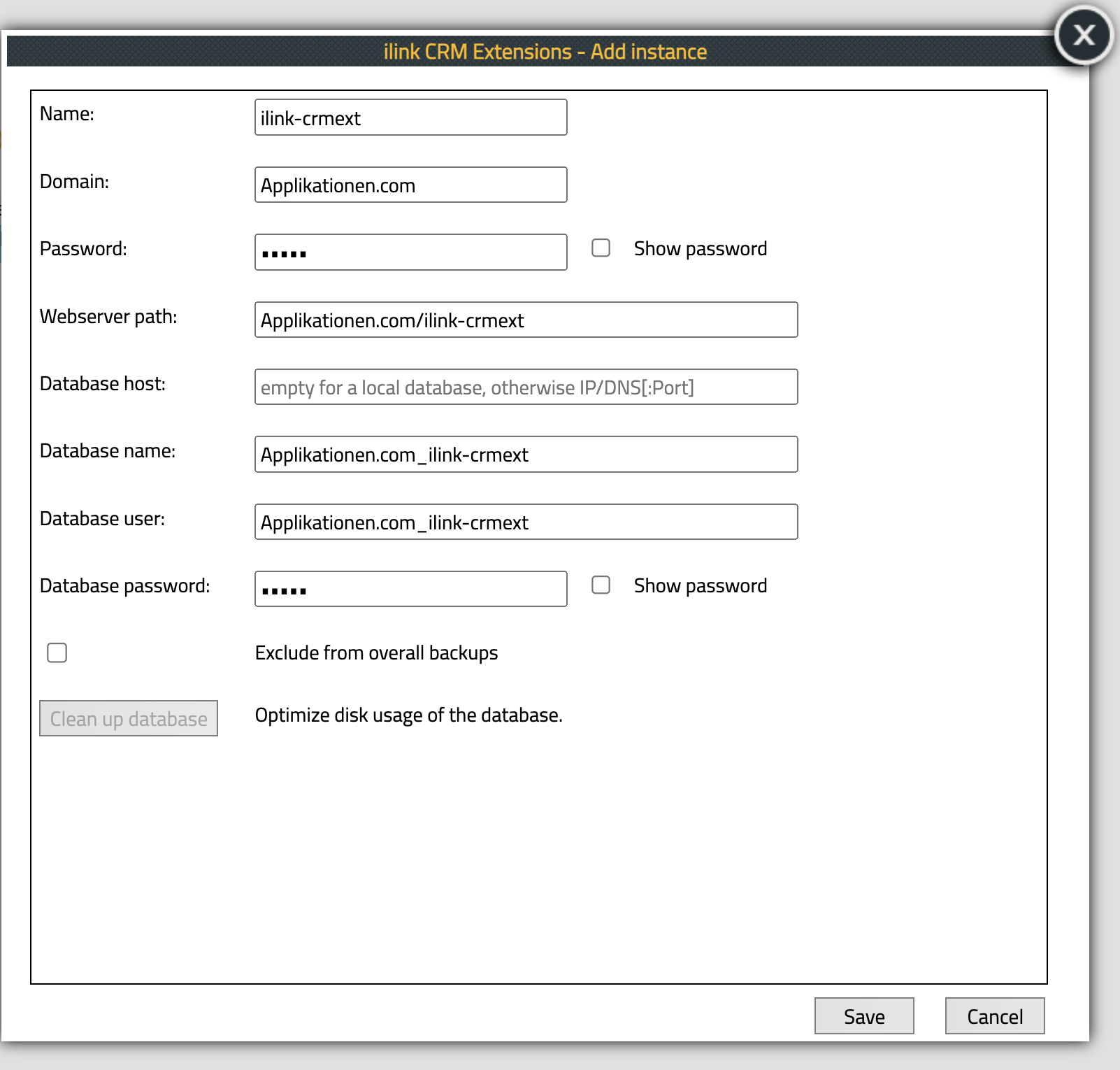
The instance must be configured according to your system environment.
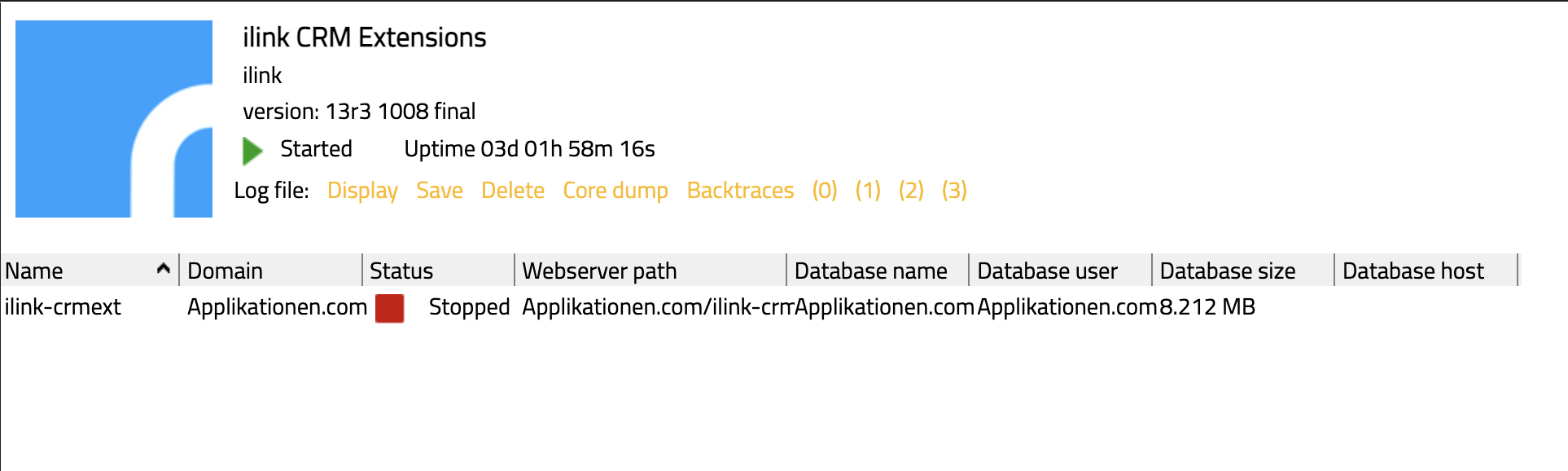
After creating the instance, it must be started using the start button. The instance will start and appear as an app in the PBX Manager.
Configure PBX Objects
The PBX objects for admins must be configured using the PBX Manager app.
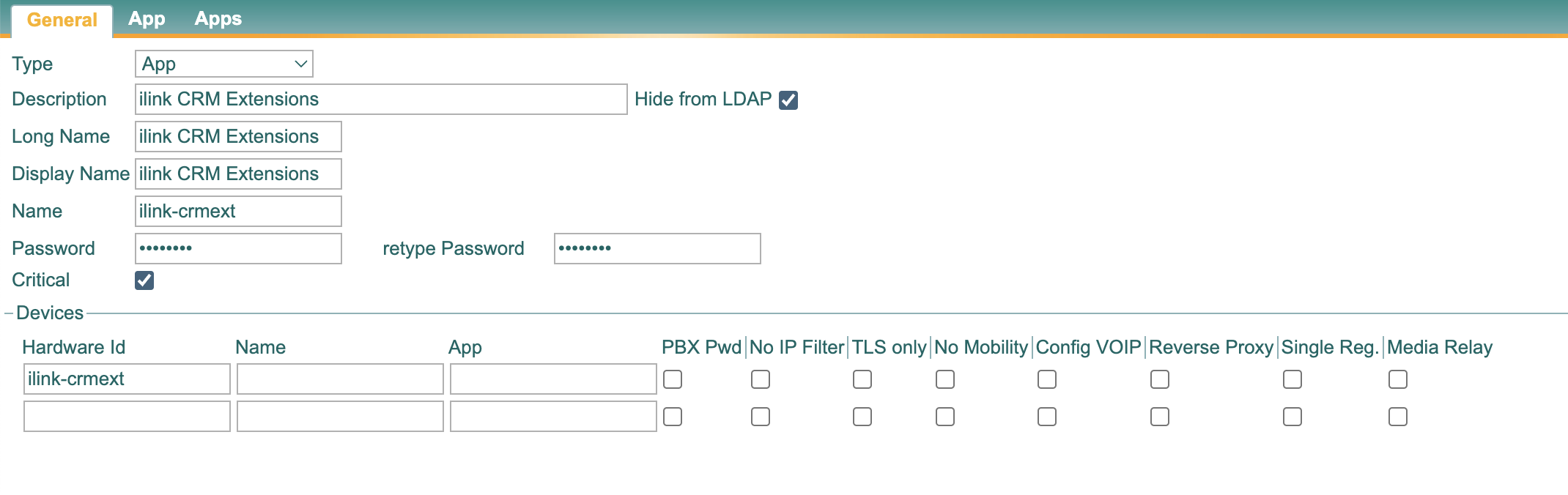
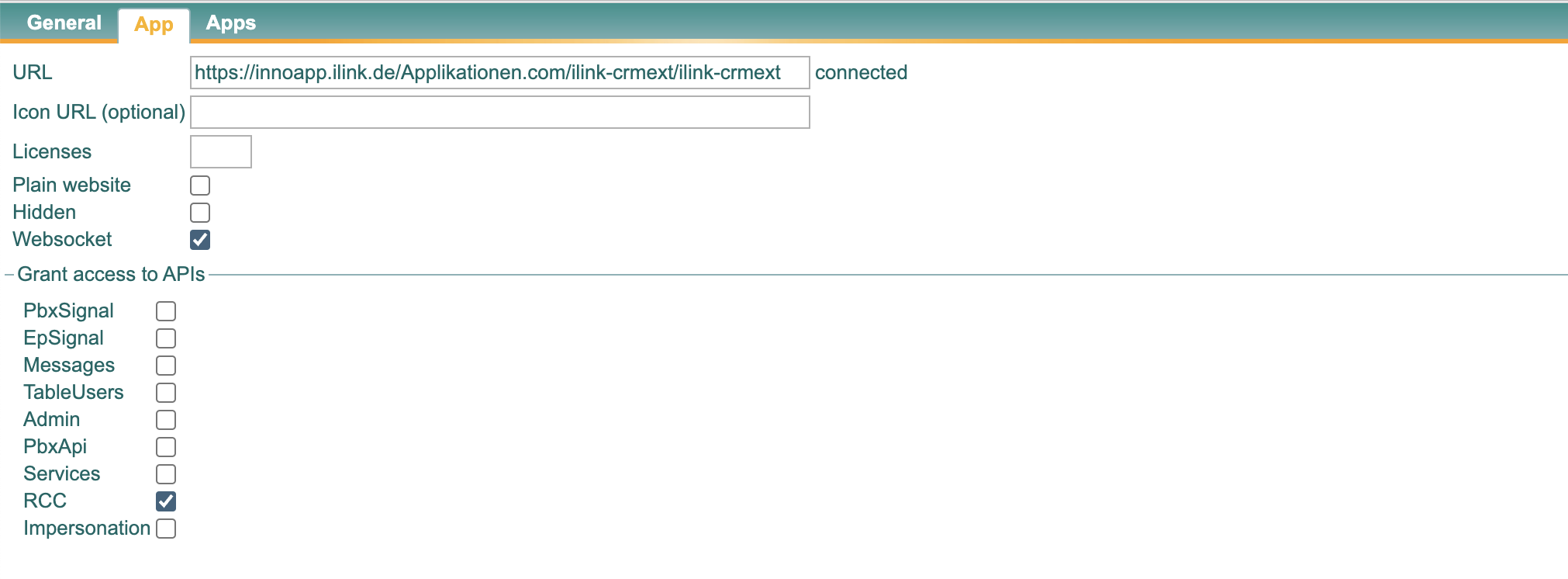
The name of these entries will be used as the label for the entries in the myApps clients. In this case, “ilink-crmext Admin” is recommended.
Download Windows App Client
Windows App Client ilinkCRMExtensions.msi
Client Configuration
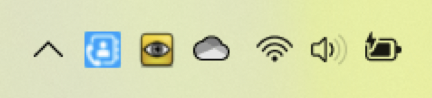
When the client is started for the first time, the HTTP address of the innovaphone PBX as well as username and password must be configured. The app icon is located in the Windows system tray. Right-click the icon to open the settings.
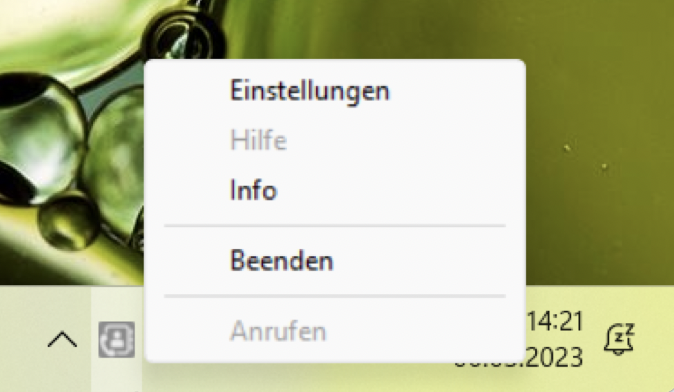
In the settings, enter the HTTP address of the innovaphone PBX as well as username and password. The username and password correspond to the PBX user that is locally logged into the myApps client.
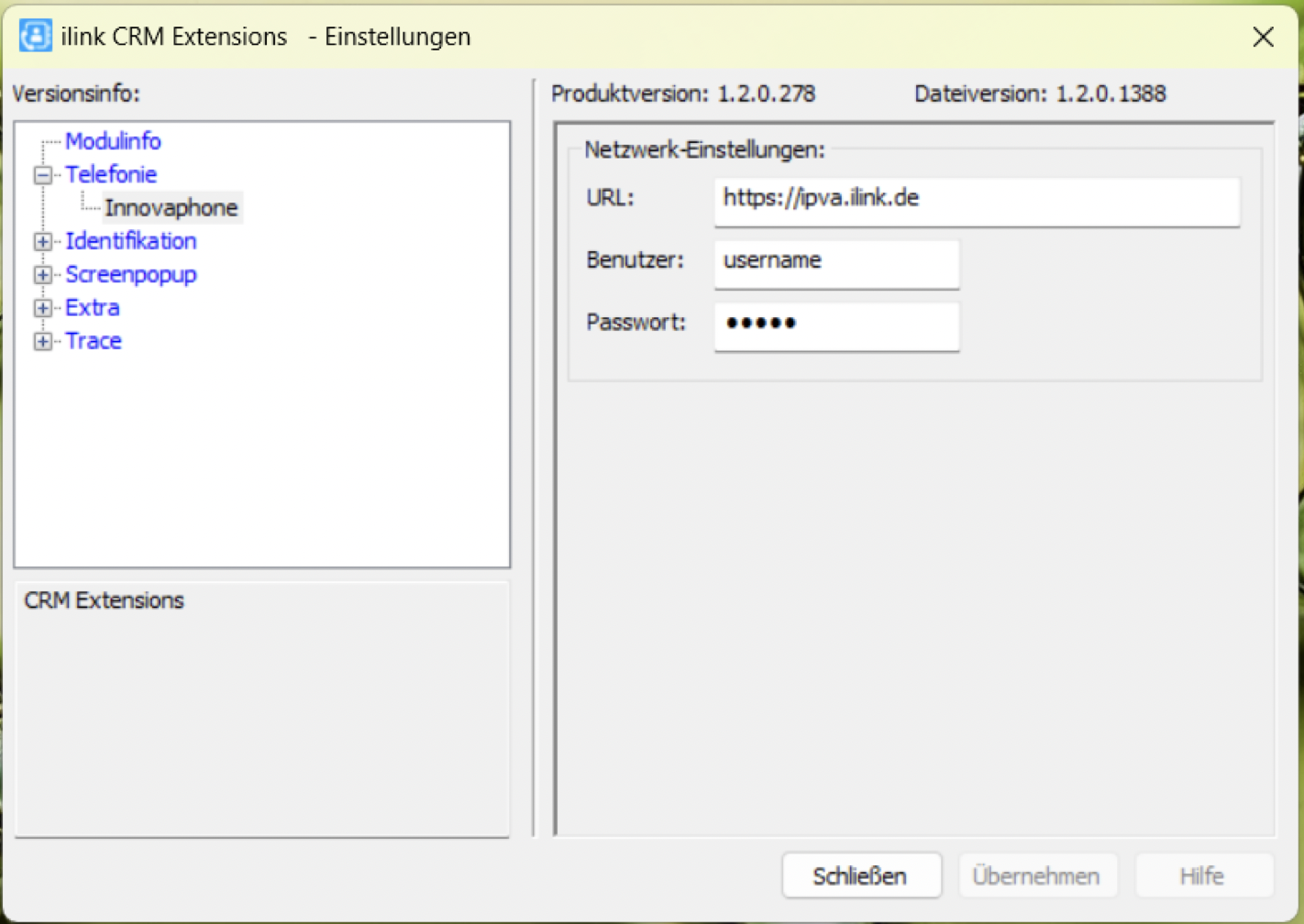
After successful configuration, the app icon changes from grey to blue. The blue icon indicates that the client app is successfully connected to the innovaphone PBX.